Add any Shopify App to Your Page
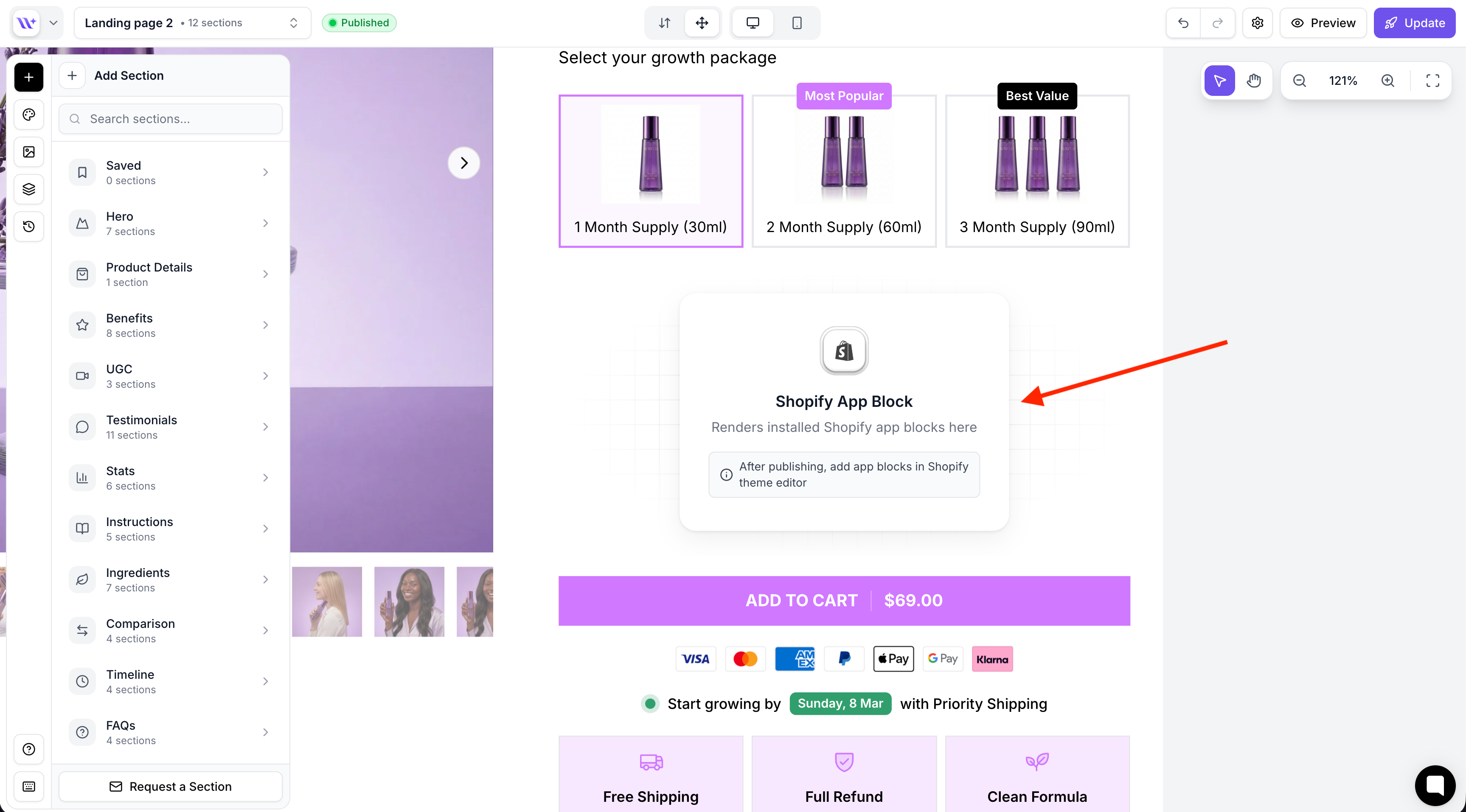
You can now add any third-party Shopify app directly to your EcomWize pages. Place it exactly where you want it to appear.
How to do it
In the EcomWize builder, open a product section and add the Shopify App Block snippet
Publish your page
Go to Shopify > Online Store > Themes > Edit theme
Click on the product section, hit + Add block, go to the Apps tab, and pick your app
Your app will show up at the exact spot you placed the snippet.
Good to know
Only works inside product sections
You can add multiple snippets for different apps
The app must be installed in your Shopify store first